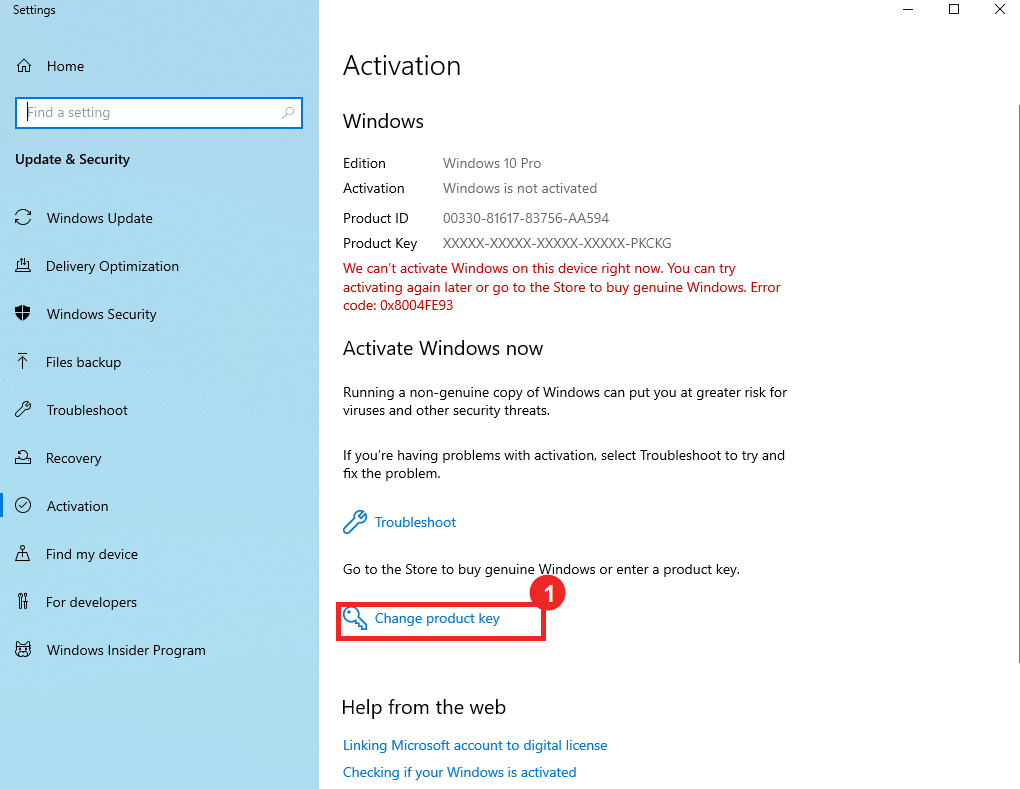
Windows key activation
Enter your key from Settings and check that the Windows edition matches your purchase.
Windows product key
Activate Windows with your product key
Most online keys activate from the Windows Activation settings page. Start here before using the phone activation flow.
- Open Settings Open the Start menu and click the settings cog.
- Go to Activation Click the Windows isn't activated link at the bottom, or type Activate Windows in the search box.
- Change the product key Click Change product key, Change, or Activate product key. The wording can vary between Windows versions.
- Enter the product key Paste the product key from your private order page into the Product key field, then click Next.
- Try activation Click Activate. This attempt is needed so Windows shows the phone activation path.
If Windows says the key does not match this edition, install or switch to the edition shown on your order page before trying again.